Magento 2 Lazy Load Image
Installation and User Guide for Magento 2 Lazy Load Image
Table of Contents
- Installation
- Installation via app/code
- Installation via Composer
- Configuration Settings for Optimiser Base
- General Settings
- Configuration Settings for Lazy Loading
- General Settings
- Front-end Screenshots
- Lazy Loading on the Homepage
- Home Page Excluded from Lazy Loading
- Lazy Loading on the Category Page
- Lazy Loading on the Search Page
- Lazy Loading on the Cart Page.
Installation
-
Installation via app/code: Upload the content of the module to your root folder. This will not overwrite the existing Magento folder or files, only the new contents will be added. After the successful upload of the package, run below commands on Magento 2 root directory.
php bin/magento setup:upgrade php bin/magento setup:di:compile php bin/magento setup:static-content:deploy -
Installation via Composer: Please follow the guide provided in the below link to complete the installation via composer.
Configuration Settings for Optimiser Base
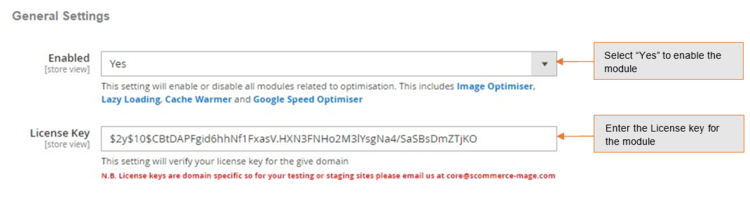
Go to Admin > Stores > Configuration > Scommerce Configuration > Optimiser Base
General Settings
- Enabled – Select "Yes" or "No" to enable or disable the module.
- License Key – Please add the license for the extension which is provided in the order confirmation email. Please note license keys are site URL specific. If you require license keys for dev/staging sites then please email us at support@scommerce-mage.com.
Configuration Settings for Lazy Loading
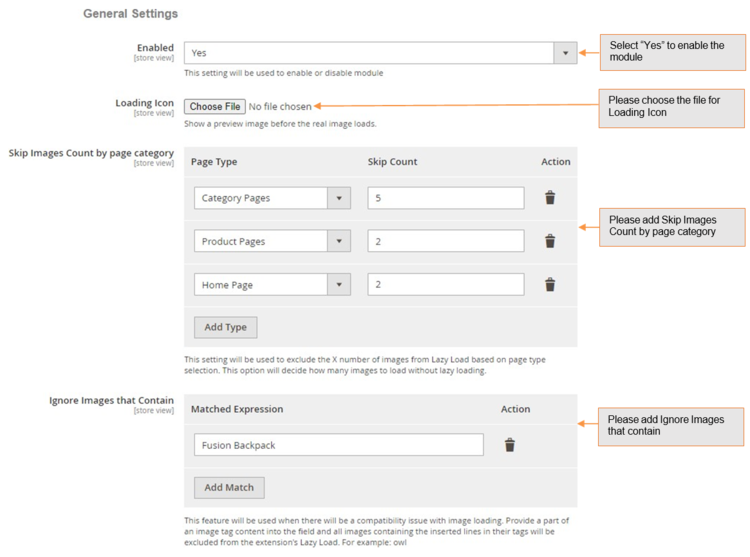
Go to Admin > Stores > Configuration > Scommerce Configuration > Lazy Loading
General Settings
- Enabled - Select "Yes" or "No" to enable or disable the module.
- Loading Icon – Show a preview image before the real image loads.
- Skip Images Count by page category – Enter a valid image count to skip the images from lazy load. Based on the count this option will decide how many images to load without lazy loading.
- Ignore Images that Contain – Provide a part of an image tag content into the field to exclude the image from the lazy load.
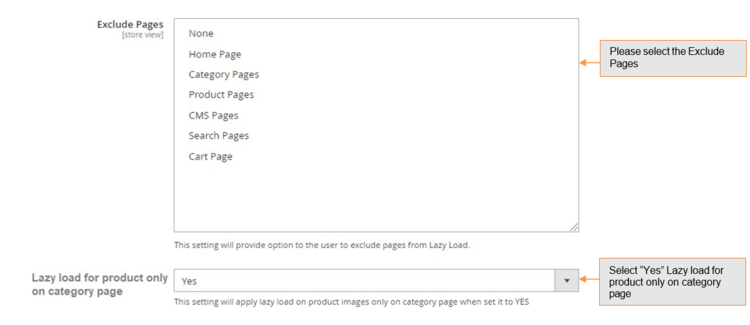
- Exclude Pages – Select the page(s) from multi-select options to exclude from the lazy load.
- Lazy loading for product only on category page – Select "Yes" to apply lazy load on product images only on category page.
Front-end Screenshots
-
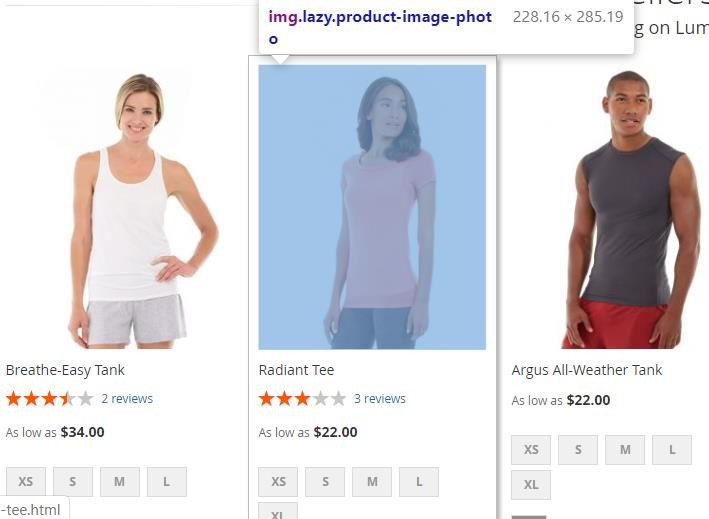
Lazy Loading on the Homepage – To implement lazy loading on the homepage, enable the module from Admin > Stores > Configuration > Lazy Loading- Enable "Yes".
-
Home Page Excluded from Lazy Loading – You can exclude homepage images from lazy loading by selecting option "Home Page" from Admin > Stores > Configuration > Lazy Loading > Exclude Pages.
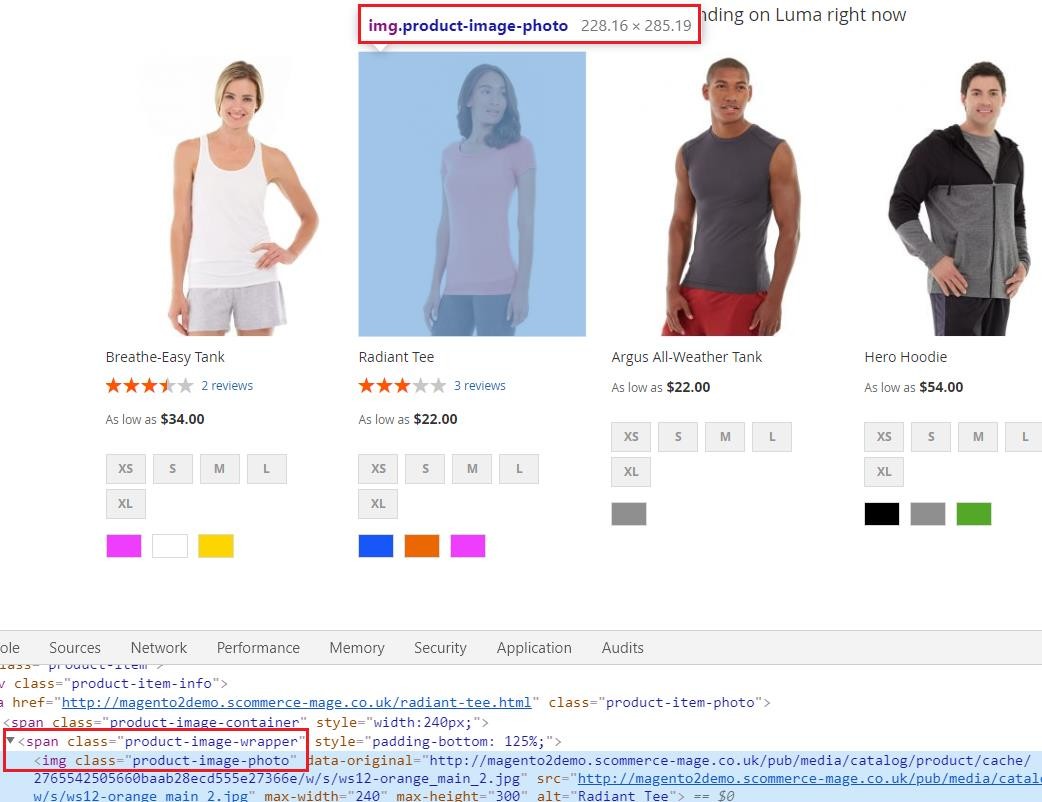
-
Lazy Loading on the Category Page – To implement lazy loading on the category page, enable the module from Admin > Stores > Configuration > Lazy Loading - Enable "Yes".
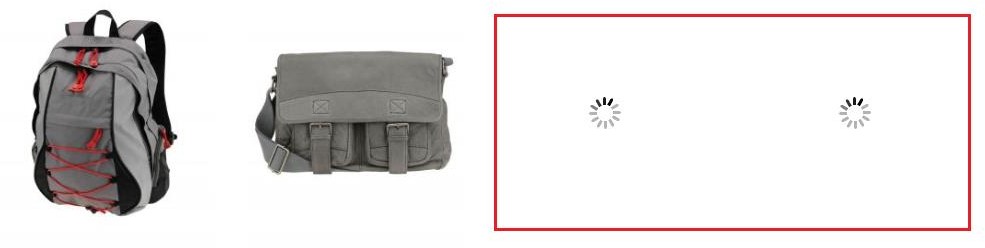
-
Lazy Loading on the Search Page – You can implement lazy loading on search page from Admin > Stores > Configuration > Lazy Loading - Enable "Yes".
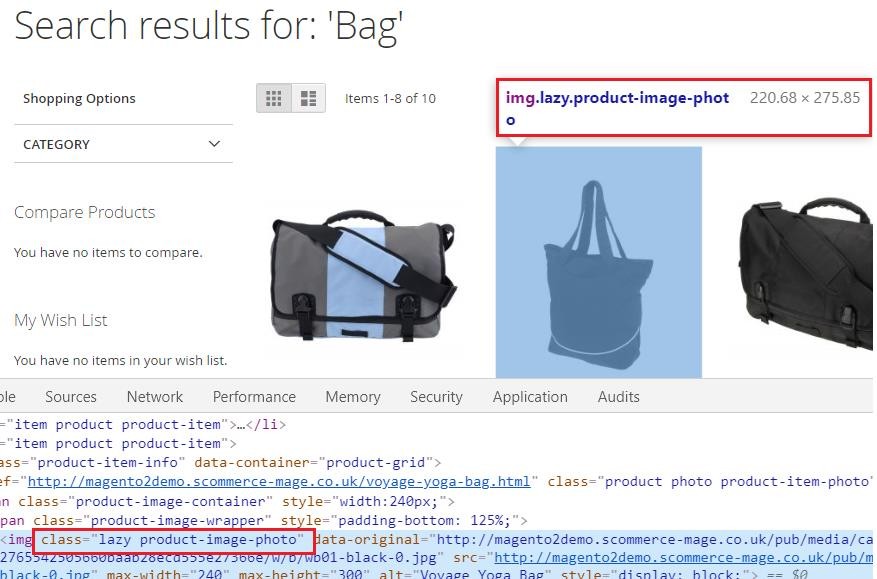
-
Lazy Loading on the Cart Page – You can implement lazy loading on the cart page by enabling the module from Admin > Stores > Configuration > Lazy Loading- Enable "Yes".
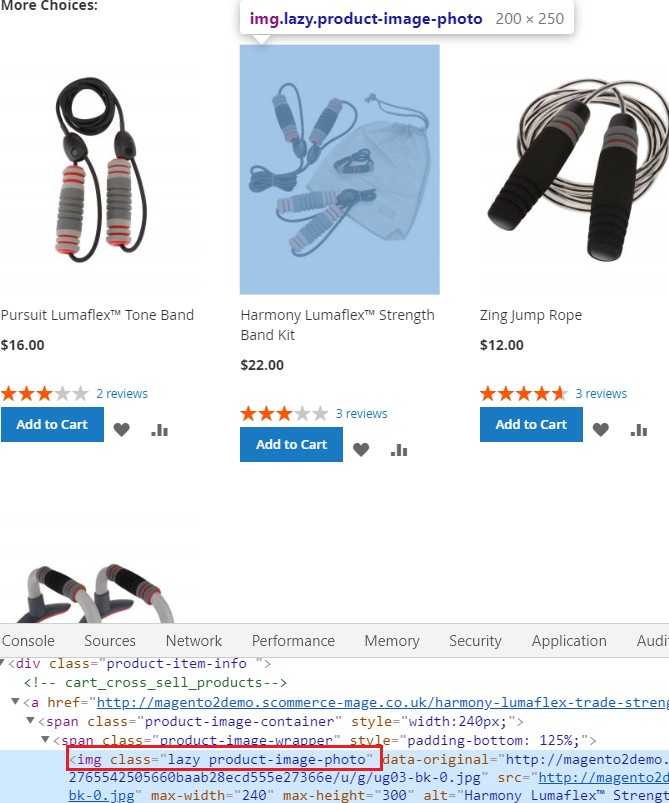
If you have a question related to this extension please check out our FAQ section first. If you can't find the answer you are looking for then please contact support@scommerce-mage.com.