
Magento 2 VAT Switcher
Installation and User Guide for Magento 2 VAT Switcher Extension
Table of Contents
- Installation
- Installation via app/code
- Installation via Composer
- Configuration Settings for VAT Switcher
- Order Tags Logs
- Order Tags Grid
- General Settings
- Types of Tags
- Static Tags
- Dynamic Tags
- Predefined Tags
- Assign Tags
- Manually Assign/Remove Tags
- Assign Tags Based on Conditions
- Tags in Action
- Order Grid
- Filter Order Grid
Installation
-
Installation via app/code: Upload the content of the module to your root folder. This will not overwrite the existing Magento folder or files, only the new contents will be added. After the successful upload of the package, run below commands on Magento 2 root directory.
php bin/magento setup:upgrade php bin/magento setup:di:compile php bin/magento setup:static-content:deploy -
Installation via Composer: Please follow the guide provided in the below link to complete the installation via composer.
Configuration Settings for VAT Switcher
Go to Admin > Stores > Configuration > Scommerce Configuration > VAT Switcher
General Settings
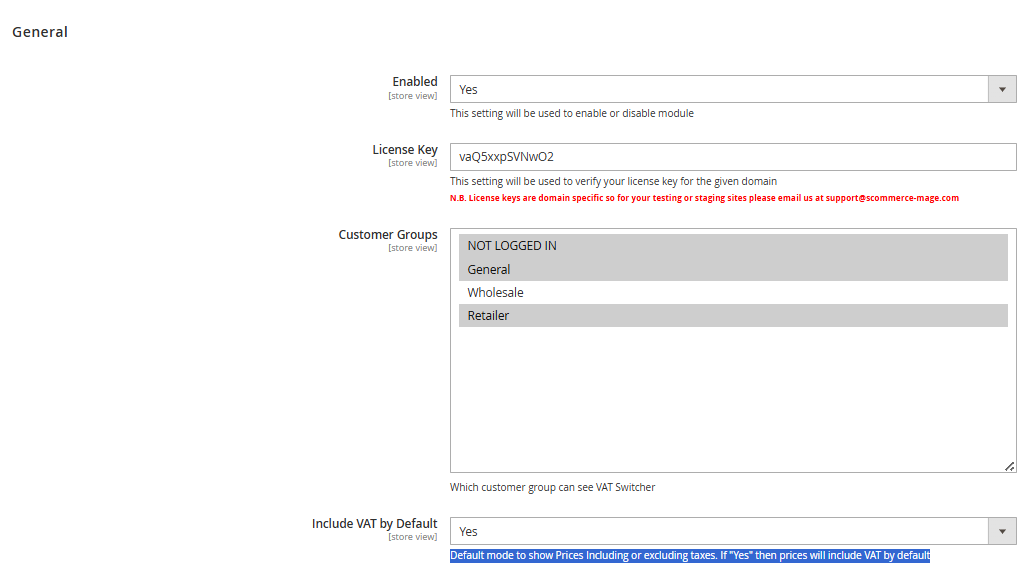
- Enabled – Select "Yes" or "No" to enable or disable the module.
- License Key – Please add the license for the extension which is provided in the order confirmation email. Please note license keys are site URL specific. If you require license keys for dev/staging sites then please email us at support@scommerce-mage.com.
- Customer Groups - The VAT Switcher is visible only to users belonging to customer groups that have been explicitly granted access. Please refer to your store’s configuration settings to verify which customer groups are enabled for VAT visibility
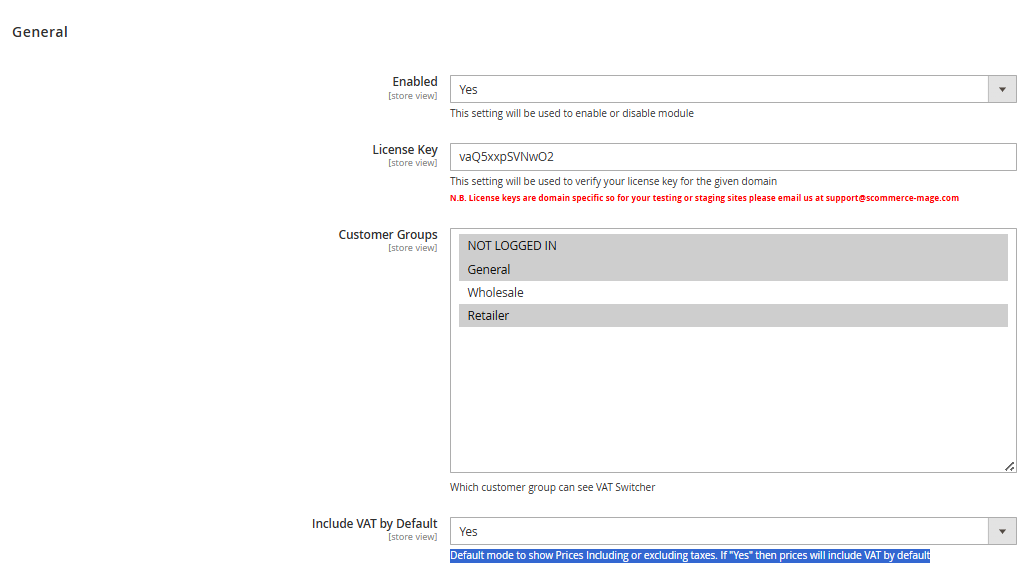
- Include VAT by Default - This setting determines whether product prices are shown inclusive or exclusive of VAT by default.
If set to "Yes", prices will be displayed with VAT included
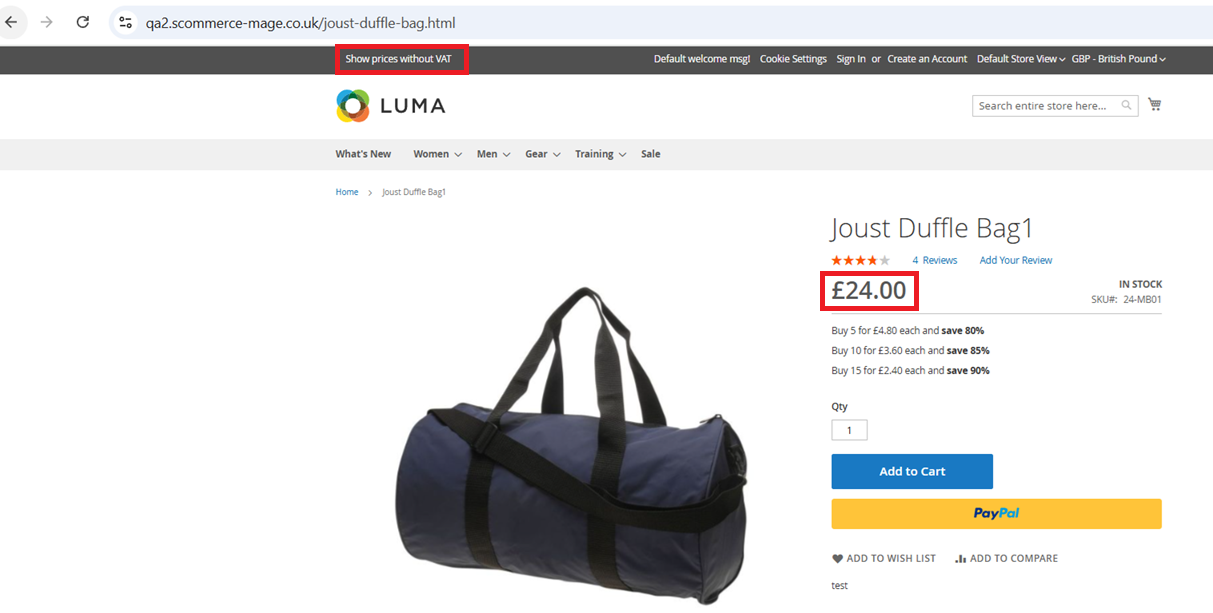
Show Price without VAT
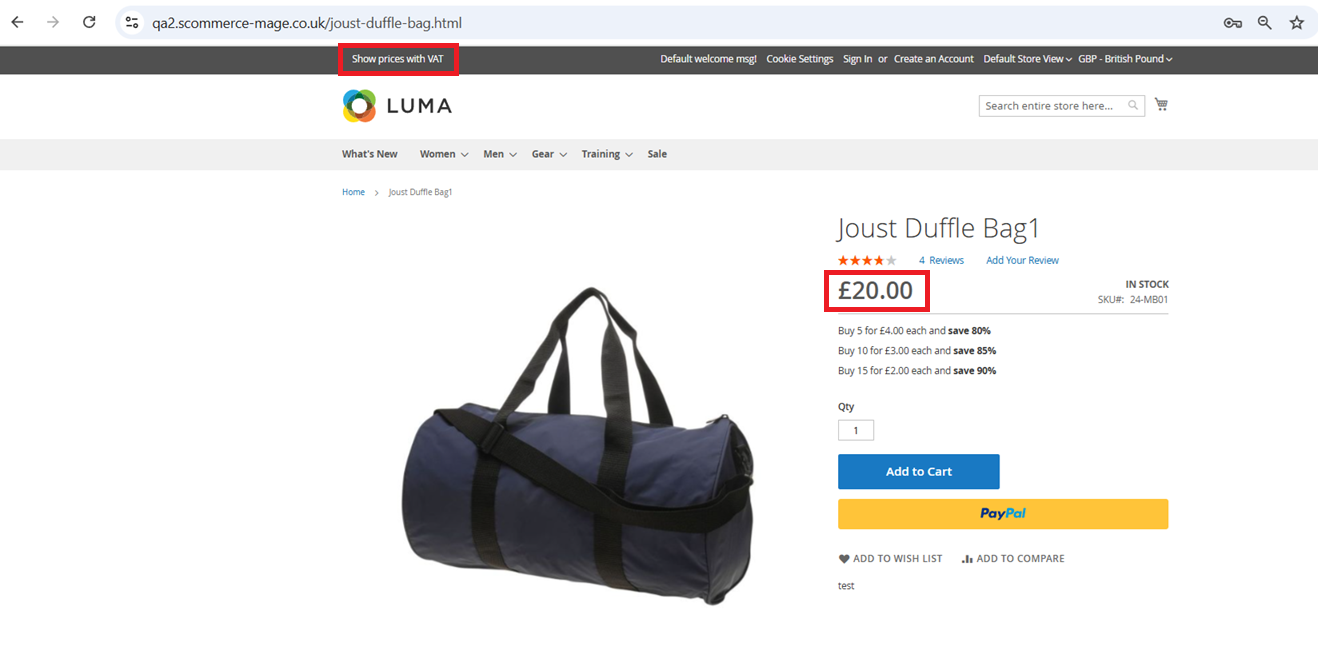
Show Price with VAT
If you have a question related to this extension please check out our FAQ Section first. If you can't find the answer you are looking for then please contact support@scommerce-mage.com.